App Store Optimization (ASO) is the difference between your app being discovered or disappearing in the crowd. Well-crafted metadata and visuals can boost your search rankings — but a few common mistakes can undo all that work.
Here’s what to avoid if you want your app to stand out in Google Play and the App Store.
Google Play Mistakes
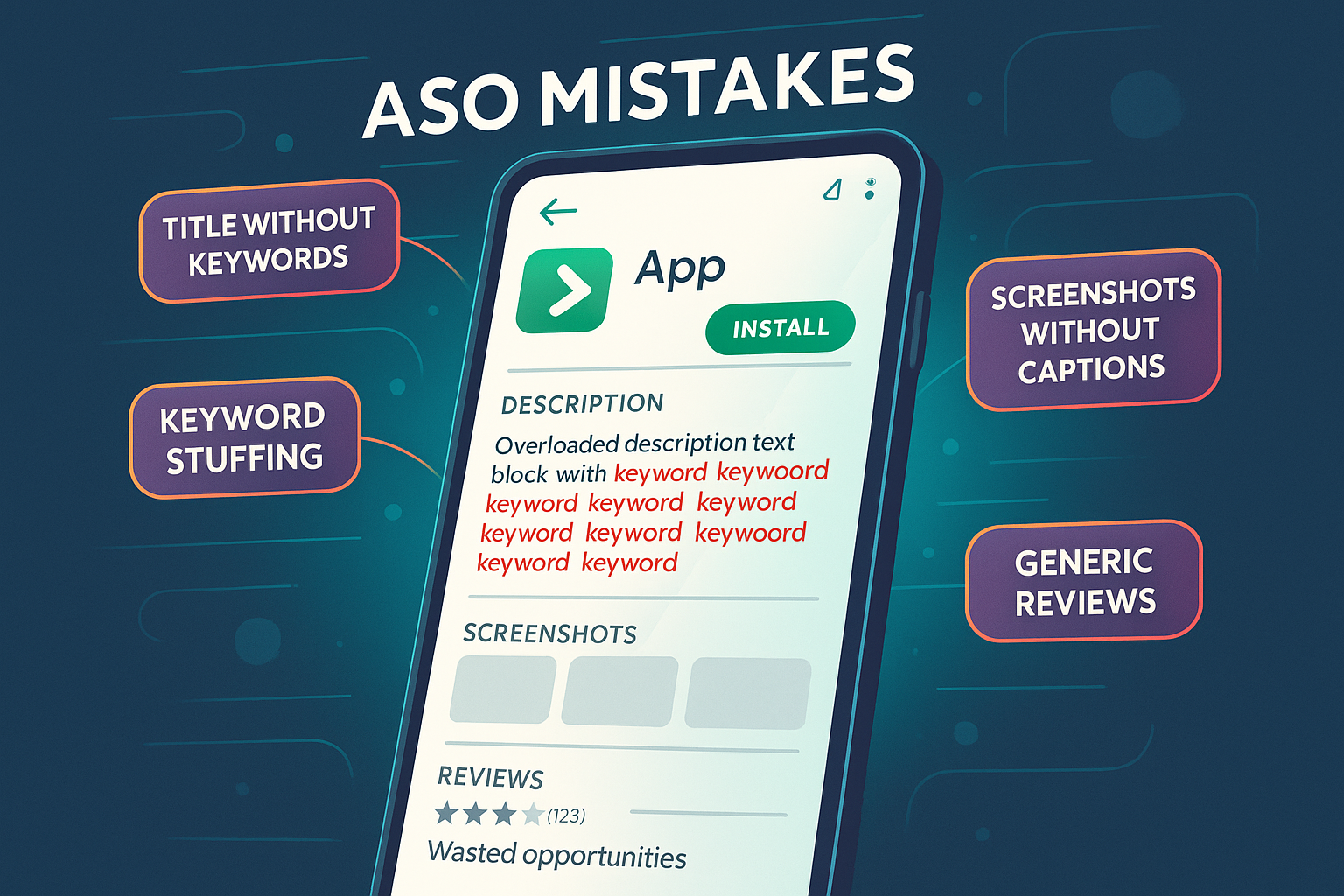
1. Skipping keywords in the title and short description
These fields carry the most indexing weight. If a keyword is in your title, Google sees it as highly relevant. Only huge brands can afford to use just their name — the rest of us need keywords.
2. Keyword stuffing
Repeating keywords too often (more than once every ~250 characters) can hurt your ranking. Google prefers natural language.
3. Missing direct keyword matches
Use exact queries (“food delivery” instead of “delivering food”) in your title or description to boost relevance.
4. Ignoring screenshot captions
Focus captions highlight your app’s benefits in seconds — critical for conversions.
5. Not using reviews strategically
Google indexes reviews. You can include competitor names or restricted keywords here to target harder-to-reach searches.
App Store Mistakes
1. Wasting the subtitle field
The subtitle is your second-most important indexed element after the title. With 30 characters, it’s prime space to add high-priority keywords and value statements. Leaving it empty or vague means missing out on both rankings and conversions.
2. Filling the Keywords field incorrectly
The Keywords field isn’t for phrases — it’s for single words, separated by commas (no spaces). Apple automatically combines these into phrases for indexing. Done right, you can cover more queries without wasting characters.
3. Using stop words
Words like “the,” “and,” or “with” are ignored by Apple. Including them wastes character space that could be used for relevant keywords.
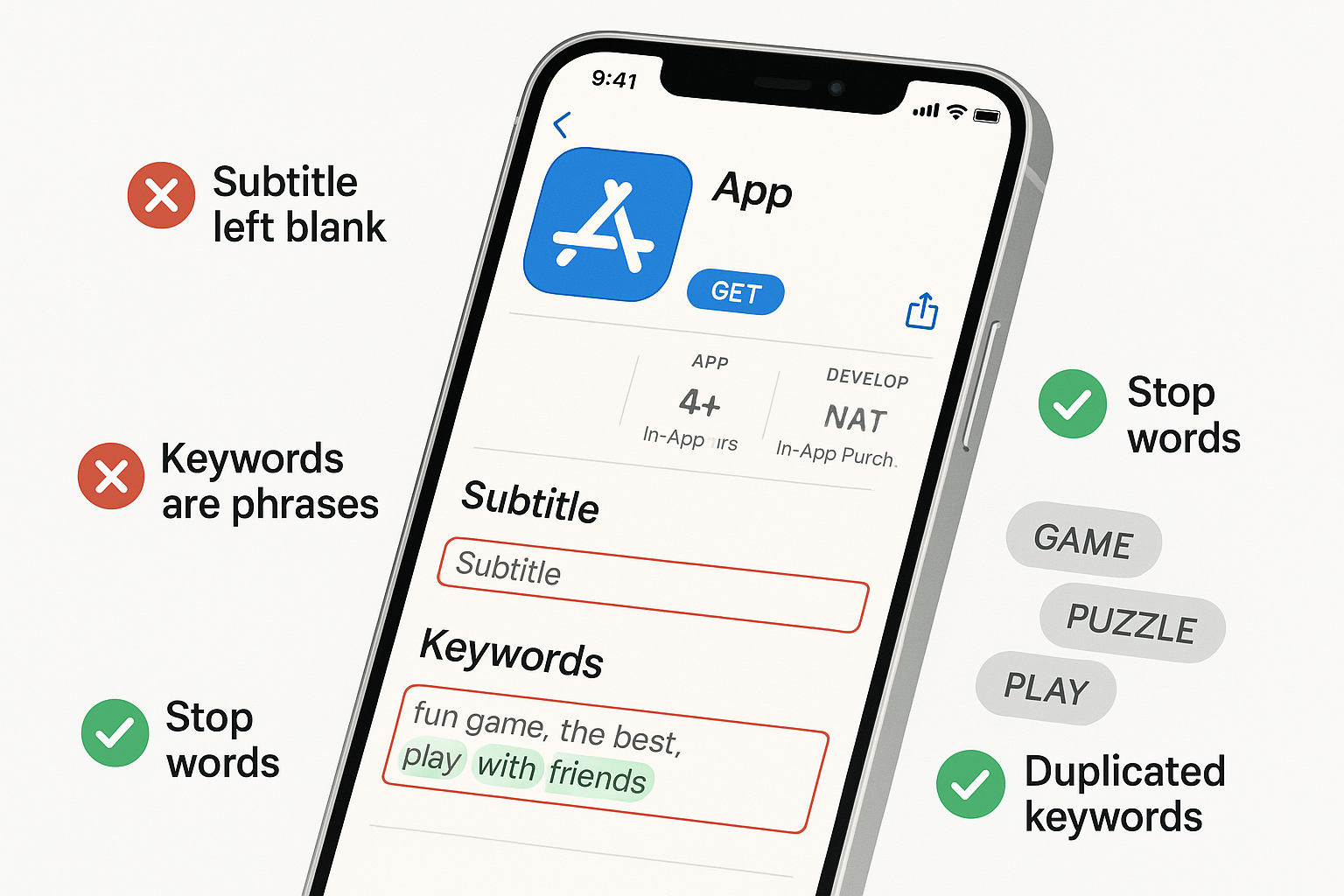
4. Duplicating keywords
If a keyword is already in your title or subtitle, don’t repeat it in the Keywords field. Apple doesn’t count duplicates toward indexing, so that space is better used for new terms.
5. Ignoring language rules
Apple treats different forms of a word (plural, singular, different cases) as separate. To get full coverage, you must manually include each variation. For example, “food delivery” and “order food” require adding “food,” “delivery,” and “order” as separate terms.
6. Skipping additional locales
Many countries index multiple locales (e.g., Ukraine also indexes Russian and UK English). Filling these extra locales can double or triple your keyword capacity, giving you far more search visibility without changing your main page. Check the additional locales in ASOMobile.

The takeaway:
Every missed keyword or unoptimized field is a lost visibility opportunity. ASO is not just about adding words — it’s about adding the right words, in the right places, with clean, persuasive visuals.