In today’s fast-paced world, creators often struggle to manage their time effectively. This article introduces the concept of time blocking, a powerful time-management technique that helps you regain control of your schedule and boost productivity. Learn how to implement time-blocking strategies to optimize your workflow and achieve your creative goals.
Why Time Feels Scarce for Modern Creators
The Challenge of Juggling Creativity, Deadlines, and Distractions
Modern creators face a unique challenge: balancing creativity with deadlines and constant distractions. The pressure to consistently produce high-quality content while managing administrative tasks can feel overwhelming. Juggling social media, client communication, and actual creative work leaves many feeling perpetually behind, making effective time management essential.

Why Traditional To-Do Lists Fail for Content Creators
Traditional to-do lists often fall short for content creators because they lack structure and specific time allocations. A long list of tasks without dedicated time slots can lead to procrastination and a feeling of being overwhelmed. Time blocking provides a more proactive and organized approach compared to passive to-do lists, boosting productivity.
What Is Time Blocking and How It Works
The Concept of Time Blocking Explained Simply
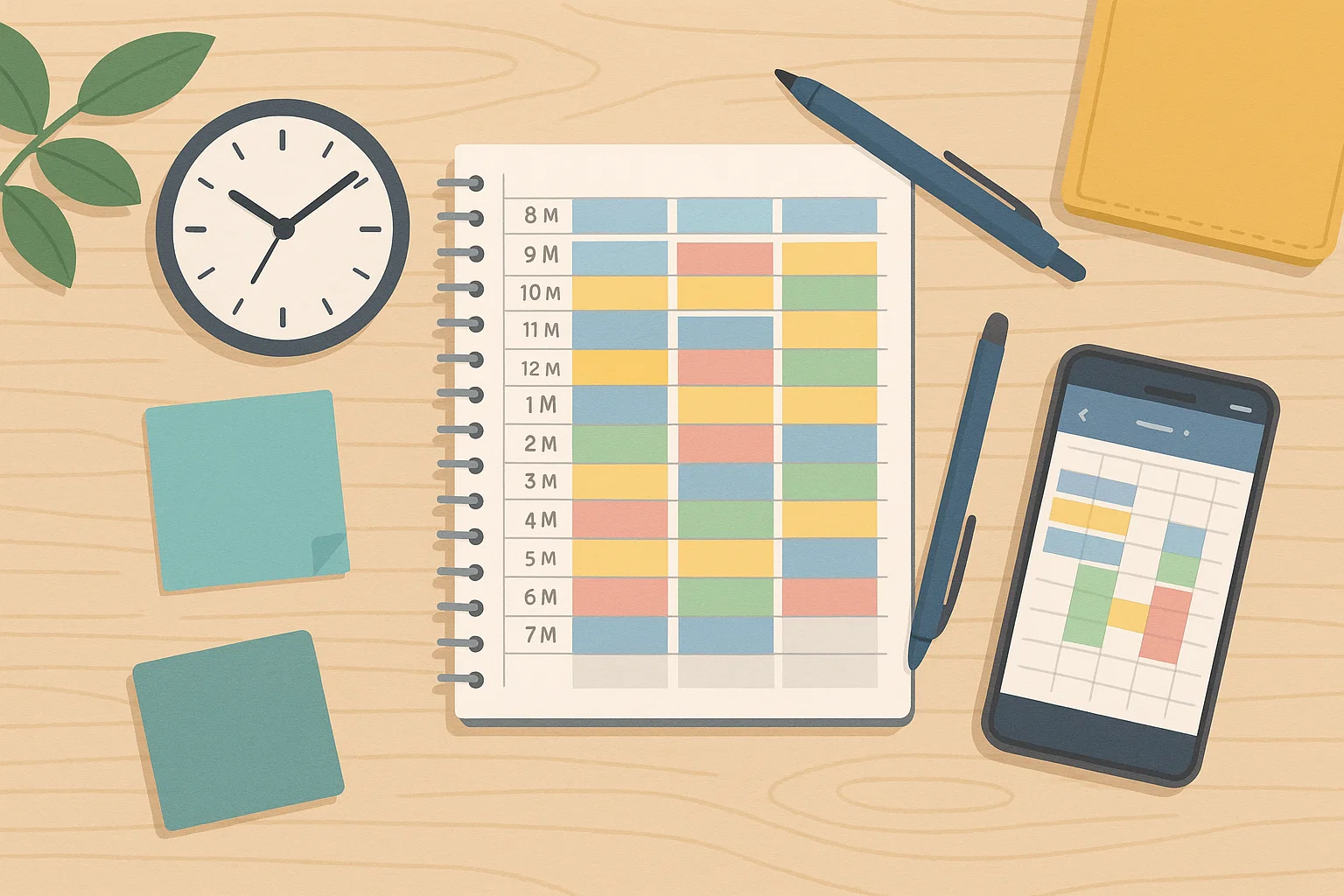
Time blocking is a time-management method that involves dividing your day into blocks of time, each dedicated to specific tasks. Rather than passively reacting to your to-do list, time blocking empowers you to proactively schedule your time blocks and allocate time for everything from deep work to administrative duties. This structured approach enhances productivity.
The Psychology Behind Time Blocking: Why It Boosts Focus
The psychology behind time blocking highlights how dedicated time can boost focus by minimizing distractions and promoting single-tasking. When you know a specific block of time is reserved for a particular task, you’re less likely to multitask or get sidetracked. Focused attention enhances creativity and output, improving productivity.
How Time Blocking Differs from Timeboxing or Task Lists
Time blocking differs from timeboxing by focusing on when activities will happen rather than just how long they should take. While both are time-management techniques, time blocking involves setting specific time slots for tasks, whereas timeboxing simply assigns a duration. Traditional to-do lists lack the structured scheduling of time blocking and timeboxing.
Why Time Blocking Is a Game-Changer for Busy Creators

Enhancing Deep Focus for Creative Work
Time blocking is a game-changer for busy creators as it enhances deep focus by providing dedicated time for concentrated creative work. By blocking time for specific projects, creators can immerse themselves fully without distractions, leading to higher quality output and greater productivity. This method ensures important tasks receive the attention they deserve.
Preventing Burnout Through Structured Breaks
Preventing burnout is a crucial benefit of time blocking, as it encourages structured breaks within your daily schedule. Allocating time for rest and recharge is just as important as blocking time to work. Incorporating regular breaks helps maintain energy levels and prevents mental fatigue, promoting long-term sustainability in your creative endeavors.

Building a Sustainable Daily Routine for Content Creation
Time blocking is instrumental in building a sustainable daily routine for content creation. By consistently allocating time for various tasks, creators can establish a predictable workflow that reduces stress and improves efficiency. A well-structured daily schedule ensures that all aspects of content creation, from planning to execution, receive adequate attention.
Turning Chaos into Clarity: The Creator’s Advantage
One of the most significant benefits of time blocking is its ability to turn chaos into clarity, providing creators with a distinct advantage. By organizing your day into structured blocks, you gain a clear overview of your commitments and priorities. This clarity reduces stress, boosts productivity, and empowers you to manage your time effectively and confidently.
Types of Time Blocks Every Creator Should Use

1. Deep Work Blocks: For Writing, Filming, or Designing
Deep work blocks are crucial for creators. To maximize productivity, use time blocking for deep work, allowing you to immerse yourself fully in creative projects without distractions. Dedicate a block of time to the exclusion of everything else to truly make the most of this powerful time-management technique. A suggested approach is detailed below:
| Action | Description |
|---|---|
| Allocate Time | Schedule time slots for focused tasks like writing, filming, or designing. |
| Timing | Schedule these time slots during your peak creative hours. |
2. Admin Blocks: Managing Emails, Analytics, and Uploads
Admin blocks are designated time slots for managing tasks such as emails, analytics, and uploads. Scheduling these blocks strategically within your daily schedule is vital for maintaining your online presence and tracking performance.
| Admin Block Purpose | Benefits |
|---|---|
| Allocate time for emails, analytics, and uploads. | Maintains online presence and tracks performance. |
| Prevents administrative tasks from encroaching on deep work. | Increases overall productivity. |
3. Creative Recharge Blocks: Resting Without Guilt
Creative recharge blocks are dedicated time slots for rest and relaxation, free from any guilt. This time-management technique helps to prevent burnout and sustain long-term creativity.
| Technique | Description |
|---|---|
| Creative Recharge Blocks | Dedicated time for rest and relaxation. |
Remember, rest is an integral part of the creative process, so schedule these recharge periods as deliberately as you would work tasks. It is important to block time, so try time blocking today.
4. Collaboration Blocks: Meetings, Brainstorms, and Networking
Collaboration blocks are essential for scheduling meetings, brainstorm sessions, and networking activities. Allocate time for these interactions to foster relationships and generate new ideas.
This time-management method ensures that you remain connected with your peers and potential collaborators. This is another use of time blocking 101, so try time blocking to become more efficient. Time blocking is a time saver.
5. Learning & Growth Blocks: Upskilling in Your Craft
Learning & Growth blocks involve dedicating specific time to upskilling and expanding your knowledge base. This time-management technique is crucial for staying relevant in a constantly evolving industry.
Schedule these blocks to explore new tools, techniques, or subjects that will enhance your creative abilities. The benefits of time blocking is that it manages your time efficiently. Start time blocking today.
Step-by-Step Guide: How to Create Your Ideal Time-Blocked Schedule

Step 1: Identify Your Peak Creative Hours
Identifying your peak creative hours is the first step in creating an ideal time-blocked schedule. Understanding when you’re most productive allows you to allocate time for deep work during these periods.
Track your energy levels throughout the day and note when you feel most focused and inspired to increase productivity. Use time effectively with this time-management technique.
Step 2: Group Similar Tasks into Categories
Grouping similar work tasks into categories streamlines your schedule and improves efficiency. Combine all related activities, such as writing tasks, design projects, or administrative duties, into distinct blocks.
This method minimizes context-switching and enhances focus, boosting overall productivity. This is another of the great benefits of time blocking, so try time blocking today.

Step 3: Assign Time Blocks and Set Boundaries
Assign time blocks for each category of tasks, setting clear boundaries to prevent distractions. Designate specific time ranges for deep work, admin tasks, and breaks, ensuring each block has a defined start and end time.
Enforce these boundaries by turning off notifications and communicating your availability to others. Block time for your well-being.
Step 4: Use Tools to Visualize and Automate Your Schedule
Leverage various tools to visualize and automate your schedule. Calendar apps like Google calendar, Notion, or specialized time-tracking software can help you create a visual representation of your time blocks.
Automate recurring tasks using scheduling tools and reminders to streamline your workflow. These tools will also make sure that you manage your time more wisely.
Step 5: Review and Adjust Weekly for Maximum Efficiency
Regularly review and adjust your time blocks on a weekly basis to ensure maximum efficiency. Assess whether your current schedule aligns with your priorities and energy levels.
Make necessary changes to optimize your time-management technique and accommodate unexpected tasks or shifts in workload. This is one of the best time blocking techniques.
Best Time Blocking Tools and Apps for Creators
Motion: The AI-Powered Scheduler for Creators on the Go
Motion is an AI-powered calendar app that helps creators manage their time. It automatically schedules your tasks, meetings, and deep work sessions based on your priorities and deadlines. This time-blocking technique can significantly boost productivity by optimizing your daily schedule. Using time blocking with AI support can transform your workflow.
Notion Calendar: Visual Planning for Multi-Project Creators
Notion Calendar is perfect for creators juggling multiple projects, offering a visually intuitive way to plan your week. This calendar app allows you to integrate your tasks, notes, and deadlines into a single, unified schedule. Time blocking becomes easier with Notion’s flexible and customizable interface. You can easily block time and allocate time.
ClickUp or Trello: For Task Batching and Workflow Tracking
ClickUp and Trello are excellent for task batching and workflow tracking, essential components of effective time blocking. These tools allow you to group similar work tasks together and schedule them in specific time slots, maximizing efficiency. Track your progress and stay organized. This is one of the best time blocking techniques. Schedule your time blocks now.
Google Calendar + Todoist: The Classic Combo for Beginners
The classic combination of Google Calendar and Todoist is ideal for beginners looking to start time blocking. Google Calendar allows you to visualize your schedule, while Todoist helps you manage your to-do list and allocate time effectively. This straightforward approach makes implementing time blocking simple and accessible, so try time blocking.
Clockwise: Protecting Your Deep Work Time Automatically
Clockwise is designed to protect your deep work time automatically by rescheduling meetings to optimize your daily schedule. This tool identifies ideal time slots for focused work and prevents interruptions. By leveraging Clockwise, creators can ensure they have ample dedicated time for their most important tasks, boosting productivity and the benefits of time blocking.
Expert Tips to Stay Consistent with Time Blocking
How to Protect Creative Flow from Interruptions
Protecting creative flow from interruptions is crucial for successful time blocking. Minimize distractions by turning off notifications, using website blockers, and communicating your availability to others. Creating a dedicated workspace and setting clear boundaries can further enhance your ability to focus and maintain a productive creative environment. Block time effectively.
Using “Theme Days” to Simplify Your Week
Simplify your week by using “theme days,” where you dedicate entire days to specific types of tasks. For example, you might have a “writing day,” a “filming day,” or an “admin day.” This approach reduces context-switching and allows you to immerse yourself fully in each activity. Make sure to schedule your time blocks accordingly.
The 80/20 Rule: Prioritize High-Impact Work Blocks
Apply the 80/20 rule by prioritizing high-impact work blocks that yield the greatest results. Focus your energy on the 20% of tasks that contribute to 80% of your success. Allocate time strategically to these key activities, ensuring they receive the attention they deserve. Make sure to adjust your time blocks for efficient usage.
Embracing Flexibility Without Losing Discipline
Embrace flexibility without losing discipline when implementing time blocking. While it’s important to stick to your schedule, be prepared to adjust your time blocks to accommodate unexpected events or changing priorities. Maintaining a balance between structure and adaptability is key to long-term success with time blocking. Be ready to schedule on the fly.
Common Mistakes Creators Make with Time Blocking
Over-Scheduling Without Accounting for Energy Levels
A common mistake creators make with time blocking is over-scheduling without considering their energy levels. Effective time-management technique involves understanding when you’re most productive and structuring your daily schedule accordingly. Cramming too many tasks into a block of time can lead to burnout and decreased productivity, defeating the purpose of time blocking.
Ignoring Breaks and Rest Blocks
Another pitfall is ignoring breaks and rest time blocks, viewing them as expendable when deadlines loom. Failing to allocate time for rest can diminish your overall productivity and creativity. Make sure to block time for breaks in your daily schedule to recharge and maintain focus. Implementing time blocking properly involves respecting both work tasks and rest periods, so try time blocking mindfully.
Not Reviewing or Adjusting the Plan Weekly
Many creators falter by not regularly reviewing or adjusting their time blocks on a weekly basis. A static daily schedule may not accommodate changing priorities or unexpected tasks. Regularly assessing your schedule and making necessary adjustments is vital to ensure time blocking remains effective. Google Calendar and similar apps can facilitate this process, enabling flexible and responsive time management.
Real-Life Example: A Day in the Life of a Time-Blocked Creator
Sample Schedule for a YouTuber, Blogger, or Designer
Consider a YouTuber who begins their day with a dedicated time for content planning, followed by a deep work block for filming. The afternoon might include a time slot for editing and a block of time for engaging with their audience on social media. Evenings could be reserved for learning new skills or networking. This balanced daily schedule showcases effective time blocking, and increases their productivity.
How Structured Time Boosts Output and Reduces Stress
Structured time significantly boosts output and reduces stress by providing clarity and focus. Knowing exactly what needs to be done and when helps minimize procrastination and enhances productivity. Effective time management through time blocking ensures that all tasks, from deep work to administrative duties, are addressed, promoting a sense of control and reducing anxiety. Make sure to block time and allocate time.
Conclusion: Design Your Day with Intention and Freedom
In conclusion, time blocking offers a powerful framework for creators to design their day with intention and freedom. By mastering this time-management technique, you can regain control of your daily schedule, boost productivity, and prevent burnout. Embrace the flexibility of adjusting your time blocks, allocate time to improve time blocking skills, and prioritize your well-being.