


In an increasingly interconnected world, cybersecurity is no longer optional; it’s essential. This guide offers practical, real-world protection strategies, empowering you to navigate the digital landscape with confidence. Prepare to enhance your online safety and secure your digital life.
Why Cybersecurity Matters More Than Ever in 2025
The digital shift and rise of online threats
The rapid digital shift has made us more connected than ever, but it has also created new opportunities for cybercriminals. As we conduct more of our lives online, the threats to our personal information and sensitive data continue to grow.

Common myths about online safety people still believe
Many people still believe in common myths about online safety, such as “I’m not important enough to be hacked” or “Antivirus software is all I need.” These misconceptions leave individuals vulnerable to phishing scams and other cyber incidents.
What this guide will teach you (practical, real-world protection)
This guide will provide you with practical, actionable cybersecurity best practices to help you stay safe online. You’ll learn how to protect your online accounts, devices, and personal data from the ever-evolving threats of the cyber world.
1. Build Strong Foundations: Smart Password & Authentication Practices
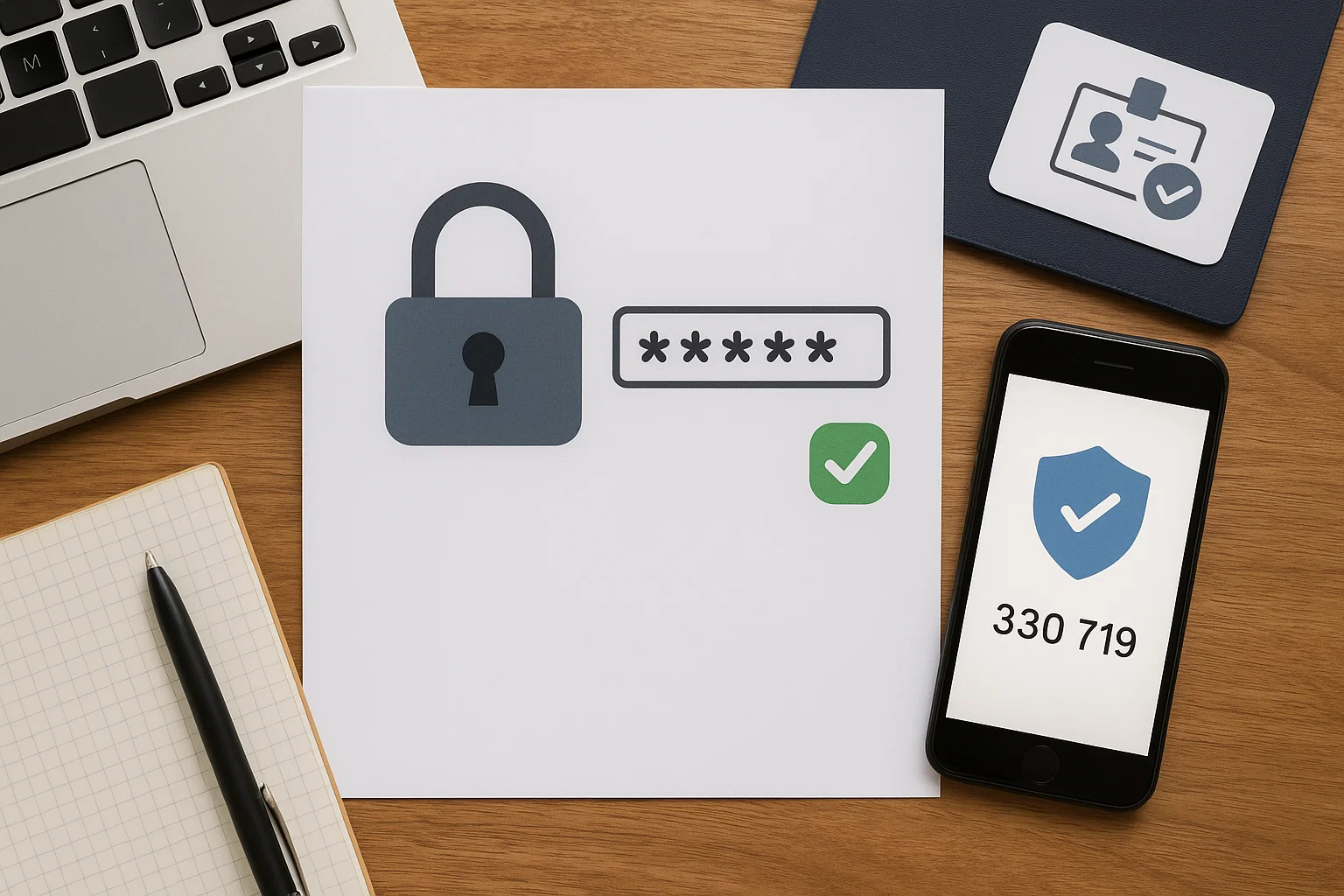
Why password reuse is your biggest risk
Password reuse is one of the biggest risks to your online security. If a hacker gains access to one of your accounts using a reused password, they can potentially access all other accounts that use the same credential, exposing sensitive information.
How to create uncrackable passwords (the expert formula)
To create uncrackable passwords, consider the following elements:
- Use a combination of uppercase and lowercase letters, numbers, and symbols.
- Aim for at least 12 characters.
A strong password is your first line of defense against unauthorized access to your online accounts.
Enable two-factor authentication (2FA) — and why SMS isn’t enough
Enable multi-factor authentication (2FA) whenever possible to add an extra layer of security to your online accounts. While SMS-based 2FA is better than nothing, consider using authentication apps for improved security against sophisticated malicious actors.
2. Beware of Phishing: Spot the Traps Before You Click

How to identify a phishing email or fake website instantly
Learn to identify phishing emails and fake websites instantly by looking for red flags. Some common warning signs include:
- Poor grammar.
- Unsolicited requests for personal or financial information.
- Mismatched URLs.
Always be cautious of suspicious links and attachments.
Real examples of modern phishing tactics in 2025
Modern phishing tactics are becoming increasingly sophisticated, with cybercriminals using realistic-looking emails and websites to trick people into giving up their sensitive data. Stay informed about the latest scams and be wary of anything that seems suspicious.
Smart habits to avoid falling for scams (verify before you trust)
Develop smart habits to avoid falling for scams. Some important steps include:
- Verify the sender’s identity before clicking on any links or attachments.
- Never provide personal data in response to an unsolicited email or phone call.
Remember to exercise caution and think before you click.
3. Keep Your Software and Devices Updated—Always

Why updates are your invisible armor against hackers
Software updates are your invisible armor against hackers because they often include critical security patches that address known vulnerabilities. By keeping your software up-to-date, you can protect your devices from malware and other cyber threats.
How to automate updates across all your devices
Automate updates across all your devices to ensure that you always have the latest security protections. Enable automatic updates for your operating system, web browser, and security software to minimize the risk of cyber attacks.
The hidden danger of outdated plugins and browser extensions
Outdated plugins and browser extensions can be a hidden danger to your online security. These components often contain vulnerabilities that hackers can exploit to gain access to your device. Regularly update or remove any plugins or extensions you no longer need.
4. Protect Your Wi-Fi & Network Like a Pro
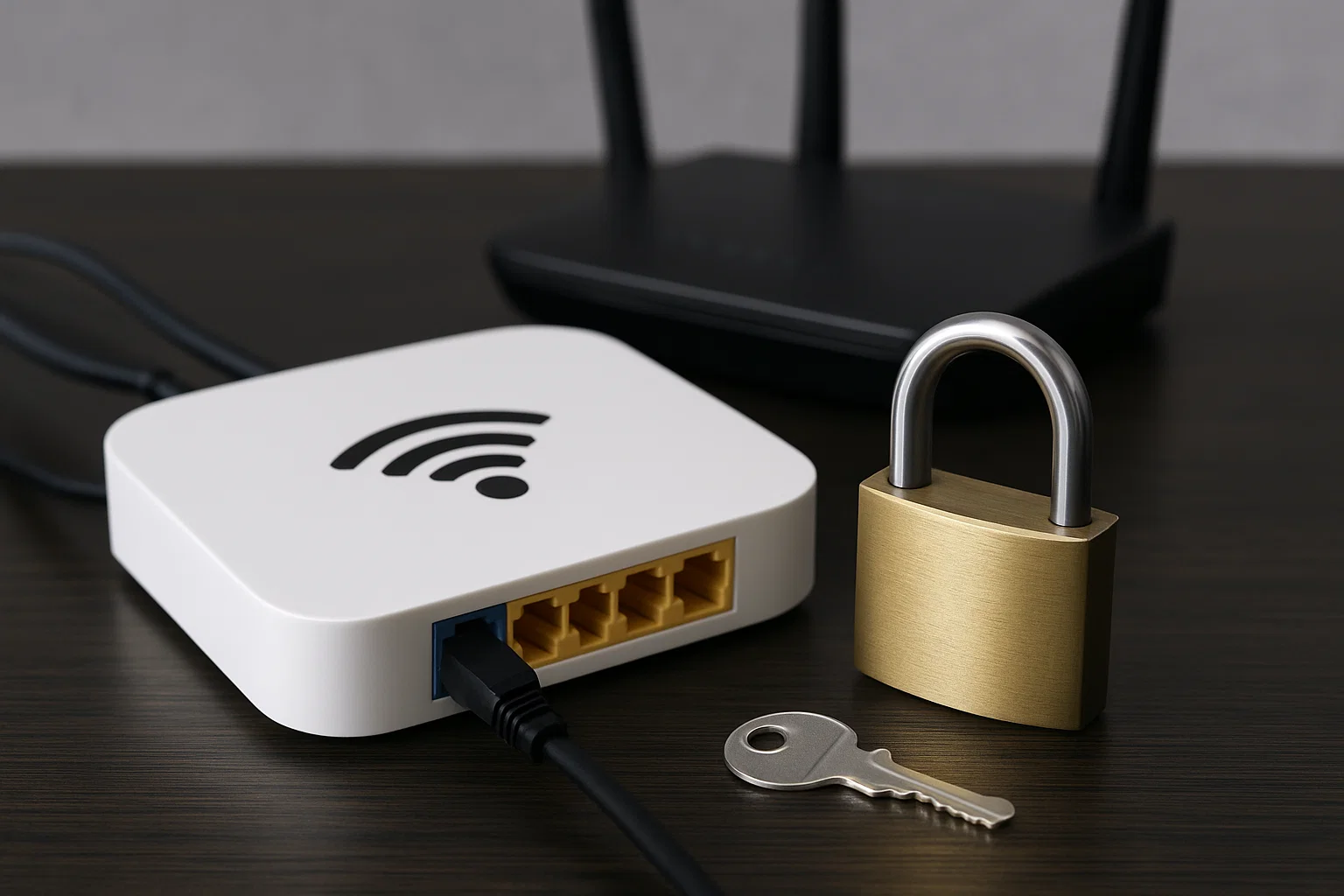
How hackers exploit unsecured routers
Hackers often exploit unsecured routers to gain access to your network and steal personal information. Default router passwords and outdated firmware create vulnerabilities that malicious actors can use to compromise your online security. Staying safe requires vigilance.
Step-by-step: Secure your home Wi-Fi (SSID, encryption, password)
Securing your home Wi-Fi involves changing the default SSID, enabling WPA3 encryption, and creating a strong password that is at least 12 characters long. These cybersecurity best practices will help protect your sensitive data from unauthorized access.
Public Wi-Fi dangers and how to browse safely using VPNs
Using public Wi-Fi can expose your personal data to cybercriminals. To browse safely, consider using a Virtual Private Network (VPN) to encrypt your internet traffic and protect your privacy. This is one of the key internet safety tips to follow.
5. Strengthen Your Online Privacy Game
The truth about how much data you’re giving away online
The amount of personal information you share online is often more than you realize. Websites and apps collect data about your browsing habits, location, and demographics. Understanding this helps in taking steps to strengthen your online privacy.
Social media privacy settings to review today
Review your social media privacy settings today to control who can see your posts and personal information. Limit sharing to trusted contacts and be cautious about the information you share online to minimize your digital footprint and stay safe online.
Anonymous browsing tools and encrypted messaging apps
Anonymous browsing tools, such as Tor, and encrypted messaging apps, like Signal, can enhance your privacy and security. These tools help encrypt your communications and mask your IP address, making it harder for malicious actors to track you.
6. Recognize & Prevent Identity Theft
What cybercriminals do with stolen information
Cybercriminals use stolen personal information for various fraudulent activities, including opening credit accounts, filing fake tax returns, and committing other scams. Protecting your personal data is crucial to prevent identity theft and financial loss.
How to monitor for suspicious activity and leaks
Monitor your credit reports and financial accounts regularly for any suspicious activity that may indicate identity theft. Sign up for data breach alerts to stay informed about potential leaks of your personal information. Consider using identity theft protection services.
What to do immediately if your identity is compromised
If your identity is compromised, act immediately by reporting the incident to the Federal Trade Commission (FTC) and contacting your financial institutions. Place a fraud alert on your credit reports and consider freezing your credit to prevent further damage.
7. Secure Your Mobile Devices
Common mobile security mistakes people make
Common mobile security mistakes include using weak passwords, downloading apps from untrusted sources, and neglecting to update your operating system. Addressing these issues is crucial for safeguarding your mobile devices from cyber threats.
App permissions: What to allow and what to block
Review app permissions carefully before granting them access to your personal information. Only allow apps to access data that is necessary for their functionality, and block any suspicious or unnecessary permission requests. Staying safe involves caution.
Best mobile security apps and settings for Android & iPhone
Consider using mobile security apps like antivirus software and password managers to protect your Android and iPhone devices. Enable device encryption, set a strong passcode, and use multi-factor authentication whenever possible for enhanced security.
8. Backup: Your Last Line of Defense

Why backups are essential in ransomware protection
Backups are essential in ransomware protection because they allow you to restore your data without paying a ransom to cybercriminals. Regularly backing up your files ensures that you can recover from a cyber incident with minimal data loss.
Cloud vs. external drive: which backup strategy is best?
Choosing between cloud backups and external drives depends on your needs and preferences. Cloud backups offer convenience and offsite storage, while external drives provide more control over your data and can be more cost-effective. Best practices keep you safe.
Step-by-step: Create a simple backup routine
Create a simple backup routine by scheduling regular backups of your important files to either a cloud service or an external drive. Test your backups periodically to ensure that they are working correctly and that you can restore your data if needed.
9. Stay Alert: Recognize Scams and Fake Ads
How online scammers use urgency and emotion to trick you
Online scammers often use urgency and emotion to trick you into falling for their schemes. They may create a sense of panic or excitement to pressure you into acting quickly without thinking critically. Staying safe requires recognizing these manipulative tactics to avoid online scams.
Signs of fake online stores and investment schemes
Signs of fake online stores include unusually low prices, poor website design, and lack of contact information. Investment schemes may promise guaranteed high returns with little to no risk. Always be wary of these red flags and use cybersecurity best practices when browsing online.
The golden rule: “If it sounds too good to be true…”
The golden rule of cybersecurity is that if something sounds too good to be true, it probably is. Be skeptical of unrealistic offers or promises, and always do your research before sharing any personal information or money with an unverified source. These tips help to protect you.
10. Educate Yourself and Your Family on Cyber Hygiene

How to teach kids and teens about internet safety
Teach kids and teens about internet safety by discussing the dangers of sharing personal information online, using strong passwords, and avoiding suspicious links. Encourage open communication about their online experiences and promote responsible digital citizenship for those at least 12 years old.
Cybersecurity for seniors: easy, practical steps
Cybersecurity for seniors involves teaching them easy, practical steps such as using strong passwords, recognizing phishing emails, and staying up-to-date with security software. Emphasize the importance of verifying unsolicited requests and protecting sensitive data, best practices to keep them safe.
Family safety checklist: making everyone aware
Create a family safety checklist to ensure everyone is aware of cybersecurity best practices. Include topics such as password security, online privacy settings, and safe browsing habits. Regularly review the checklist to reinforce these concepts and tips to stay safe online.
11. Bonus: Everyday Cybersecurity Tools You Should Be Using

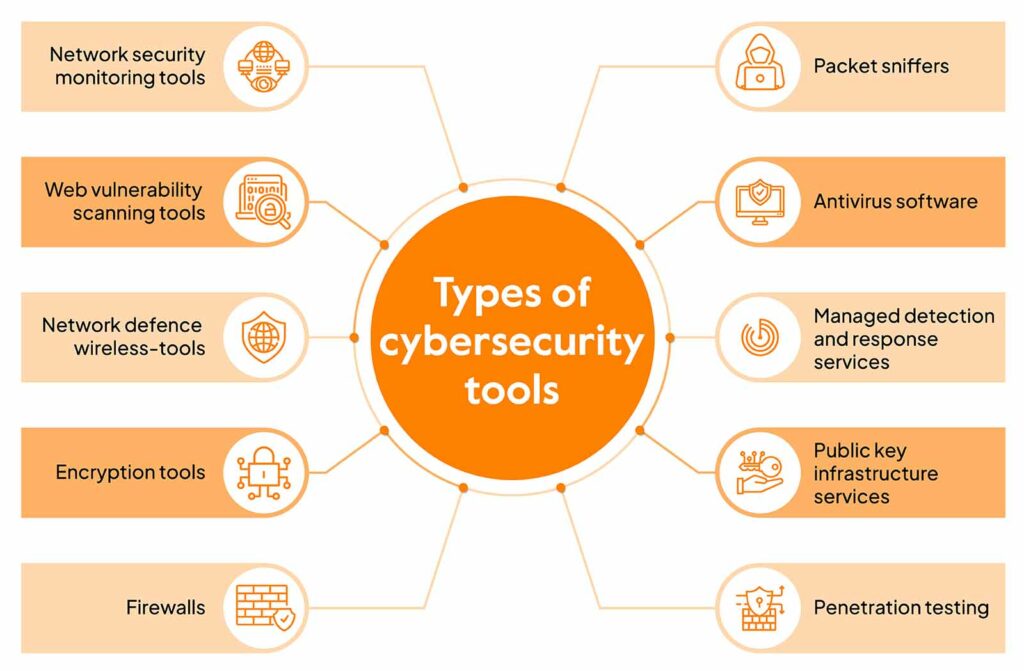
Best free and paid cybersecurity tools (VPNs, antivirus, password managers)
Consider using cybersecurity tools such as Virtual Private Networks (VPNs) to encrypt your internet traffic, antivirus software to protect against malware, and password managers to generate and store strong passwords. These tools can enhance your online security and privacy and help keep you safe.
Browser extensions for safer online browsing
Browser extensions can enhance your safe browsing experience by blocking malicious websites, phishing attempts, and tracking cookies. Choose reputable extensions from trusted developers and review their permissions carefully to ensure they are not compromising your privacy and security as key internet safety tips.
Simple automation tips to keep your digital life secure effortlessly
Automate tasks like software updates, password generation, and data backups to keep your digital life secure effortlessly. Use a password manager to generate and store strong, unique passwords for all your online accounts, minimizing the risk of password reuse and credential theft and keeping you safe online.
12. Future of Cybersecurity: What’s Next in Online Protection
AI-powered cyberattacks and defense mechanisms
AI-powered cyberattacks are becoming increasingly sophisticated, using machine learning to automate phishing campaigns, create malware, and evade traditional security measures. AI is also being used to develop advanced defense mechanisms that can detect and respond to these threats, as well as key cybersecurity best practices.
How quantum computing might reshape digital safety
Quantum computing has the potential to reshape digital safety by breaking current encryption algorithms and rendering sensitive data vulnerable. Post-quantum cryptography is being developed to create encryption methods that can withstand attacks from quantum computers for security policies, using a password manager.
Why staying educated is your best long-term defense
Staying educated about the latest security threats and best practices is your best long-term defense against cyber attacks. By continuously learning and adapting to new trends, you can protect yourself and your family from the ever-evolving risks of the digital world and use these tips to help.
Conclusion: Your Cybersecurity Starts with Awareness
Your cybersecurity starts with awareness, because understanding the risks and taking proactive steps to protect yourself is key to staying safe online. Implement the cybersecurity best practices, and consider using the tools discussed to secure you online and enhance your online privacy and security. Monitor your internet.