


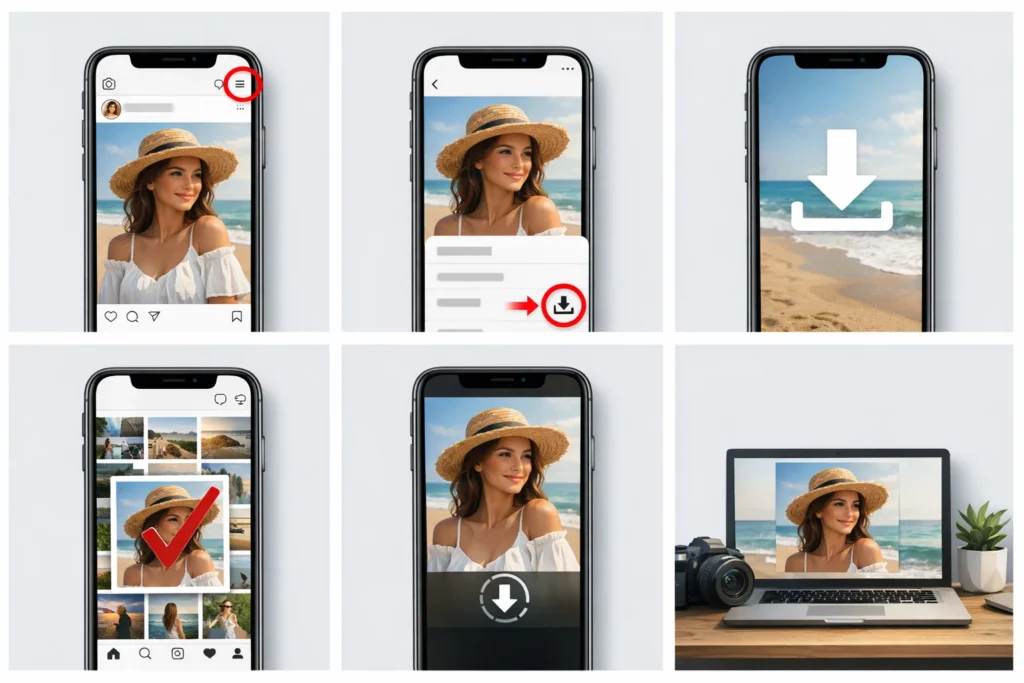
About Instagram
Instagram is a visual-first social media platform launched in 2010 and now owned by Meta, where users share photos, videos, Stories, and Reels. It serves as a hub for individuals, influencers, and businesses to connect, engage, and showcase content.
You’re surfing on Instagram, and find something beautiful, like a breathtaking sunset shot, or a friend’s candid photo that you need in your camera roll.
But Instagram doesn’t exactly hand you a “save” button. Frustrating, right? Figuring out how to download pictures from Instagram has become important.
Thus, we will show you how to download pictures from Instagram easily with the right tool.
Why Download Pictures from Instagram?
Why do you need to download pictures from Instagram? There are multiple reasons for that:
l Preservation is a big one—accounts can be hacked, deleted, or go private without warning. If so, all the photos are gone if you did not save them to a local device.

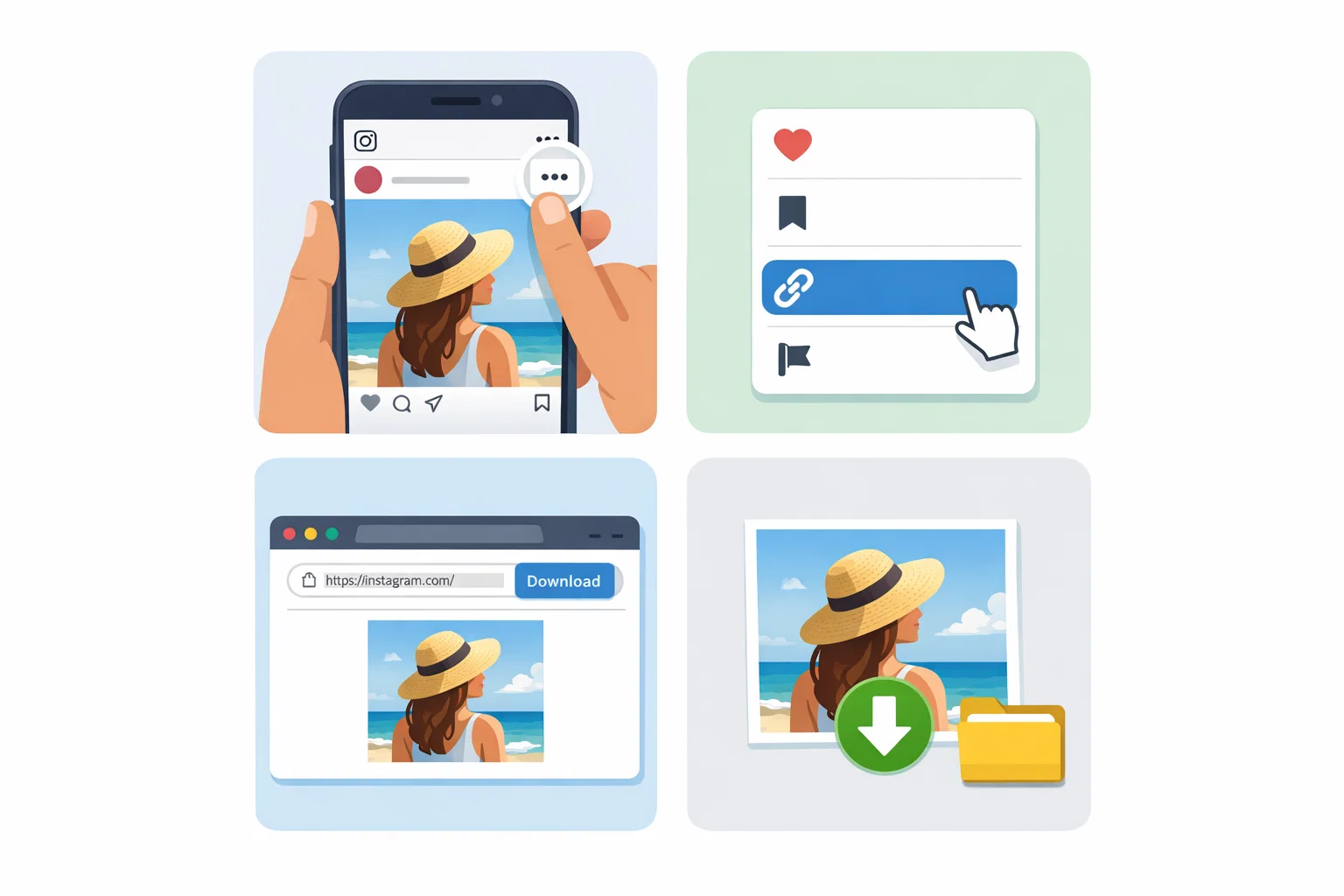
l Then there’s inspiration. Designers, artists, and DIY lovers know the pain of finding the perfect reference offline only to lose it without Wi-Fi.
l Business owners benefit too. A customer snaps a gorgeous shot of your product? Learning how to download images from Instagram lets you repurpose that content—with permission.
l Getting locked out of your account is a nightmare, but having copies of your portfolio elsewhere? Pure peace of mind.
Now that we’ve covered the “why,” let’s tackle the “how”.
Best Free Instagram Photo Downloader – MultCloud
Now, we will show you the best and free Instagram photo downloader, MultCloud. Why?
You might know it as the go-to platform for cloud management, but it’s also a powerhouse for downloading Instagram content.

MultCloud is a powerful web-based multiple cloud storage manager that connects all your cloud accounts, Google Drive, Dropbox, OneDrive, iCloud Drive, iCloud Photos, MEGA, pCloud, etc.
What makes MultCloud shine when it comes to downloading Instagram posts?
l It uses OAuth authorization, meaning it never touches your password.
l You can download bulk images with a single click—no more saving one photo at a time.
l It supports high-quality images and MP4 formats, so your downloads stay crisp.
l MultCloud lets you transfer Instagram photos directly to your Google Drive or Dropbox without ever downloading them to your computer first.
l Keep original resolutions and formats. It will show all the available resolutions and formats for you to choose from, which is convenient for all of us.
l Photos can be downloaded to your local computer or the cloud you’re using directly, which provides flexible options.
With the right tool ready to go, let’s walk through exactly how you how to download instagram photos to your device—fast.
How to Download Photos from Instagram Quickly
How to download photos from Instagram with MultCloud? Here’s the step-by-step using MultCloud—the fastest route from scroll to saved.
1. Head to the MultCloud website and sign up. The free tier gives you enough bandwidth to download several feeds or highlights.
2. Copy the Instagram photo link for preparation.

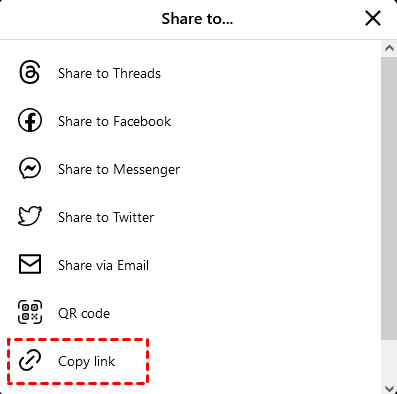
3. Tap Instagram Downloader from the top menu, then paste the Instagram photo link in the search box, and it will automatically phrase the photos within the link.

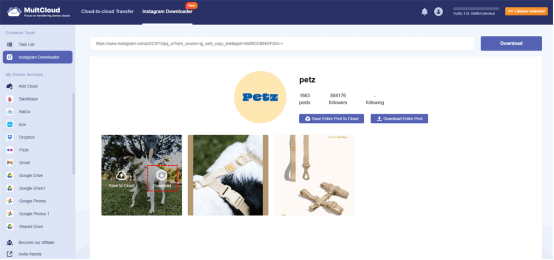
4. Select the Instagram photos and tap Download.
Tips:
l Use the checkbox at the top to “Select All” if you want everything, or hold `Ctrl` (or `Cmd` on Mac) to pick specific images.
l MultCloud will package your selection into a neat ZIP file.
l If you need to download more Instagram photos, please upgrade to the advanced plan of MultCloud to enjoy.
After downloading Instagram photos, please check their integrity and keep them safe for future use.
It’s very useful to download Instagram photos in bulk with MultCloud, just follow the above steps to archive Instagram photos and other content, like download Instagram videos, audios, posts, highlights, profile images, Reels, and many more.
The End
So there you have it—the full scoop on how to download pictures from Instagram. Whether you’re preserving memories, fueling your creative projects, or just backing up your own hard work, you’ve now got the tools and the know-how.
Just remember: Always respect copyright, credit creators, and ask permission when repurposing someone else’s content. Now go build that offline library—your favorite moments are waiting.