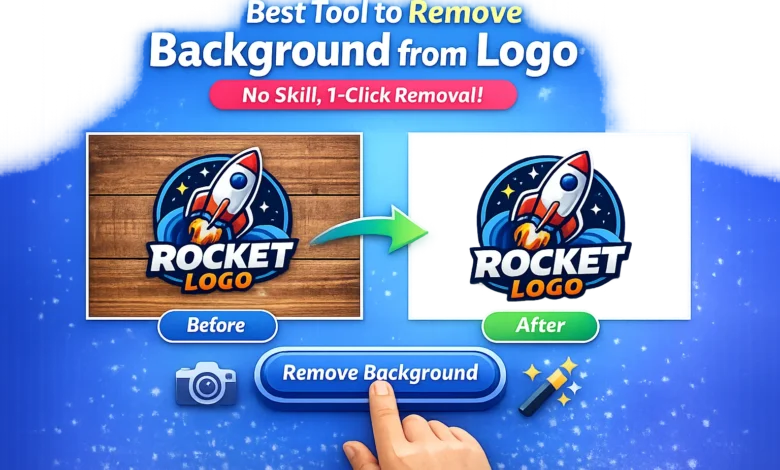
Imagine this: when creating a brand promotional poster, a logo with a messy background looks out of place in the design template;
l when listing products in an e-commerce store, the platform requires the logo to have a transparent background, otherwise it affects visual consistency;
l when making PPTs or short video watermarks, a logo with a background can obscure content, making it look unprofessional.
In the past, people either used Photoshop to manually cut out images, which had a high barrier to entry and was time-consuming. For slightly more complex logos (like those with gradients, small text, or intricate outlines), the results were often unsatisfactory
Today, let me recommend a treasure tool to you—UltraPic. No professional skills are needed, and it can be done in 3 seconds. Even beginners can easily get the hang of it.
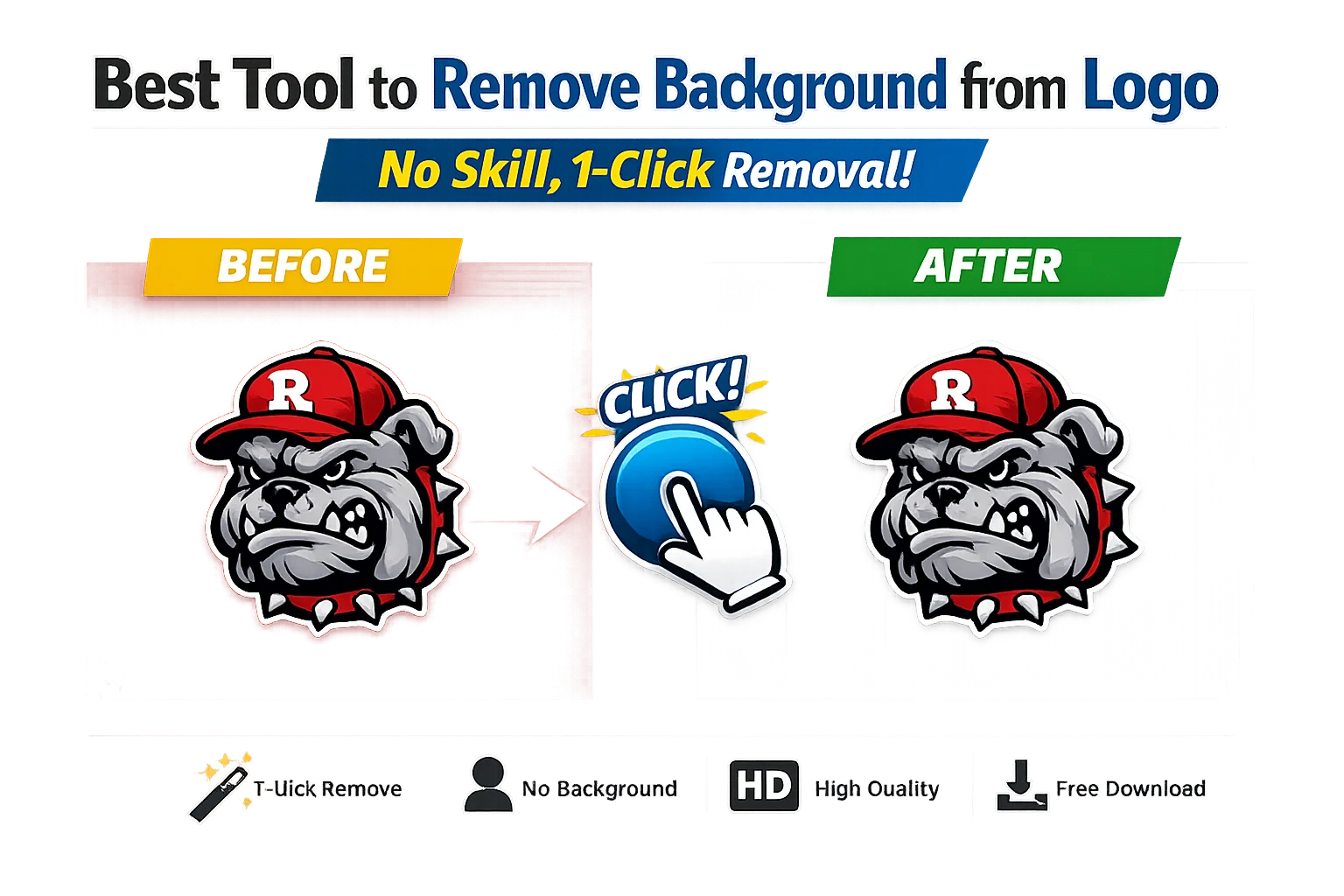
UltraPic: Easily and Free Remove Background from Logo
Unlike traditional background removal tools that rely on manual selection, UltraPic AI background remover can intelligently recognize the contours, text, and details of the logo. Even the smallest fonts and gradient transparent elements can be accurately distinguished from the logo and background.
Whether it’s a JPG, PNG, or WEBP format logo, it can remove the background in just 3-5 seconds after uploading, generating a transparent PNG file that can be used immediately.
Only 3 steps in total, no need to understand any design knowledge, just drag and upload to easily complete.
3 Steps to Remove Background from Logo
Many people worry that the tool is complicated and they won’t be able to operate it, but UltraPic’s operation is ridiculously simple. You don’t need to click on complicated buttons at all. You can remove the background from a logo in just 3 steps, and even if it’s your first time using it, you can get the hang of it in no time.
Step 1: Open the UltraPic official website, find the “BG Remover” feature, and register to log in.
Step 2: You can directly drag and drop the logo file into the upload area, or you can click the “Upload Image” button to select the local logo file. It supports various common formats such as JPG, PNG, and WEBP.
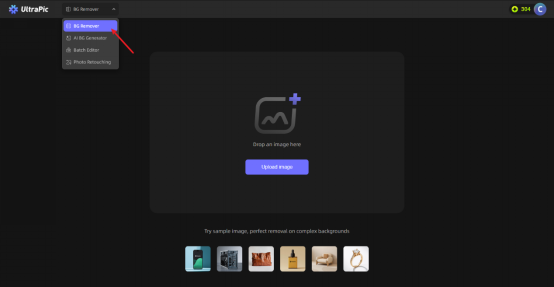
Whether it’s a logo photo taken with a mobile phone or a material downloaded from the internet, it can be processed normally. Here, we remind you to try to upload clear logo images, as this will result in better cutout effects.
Step 3: After the upload is complete, UltraPic’s AI will automatically start processing without any action needed from you.
After 3 seconds, the background will be automatically removed, and the logo will display a transparent background with a gray and white checkerboard pattern.
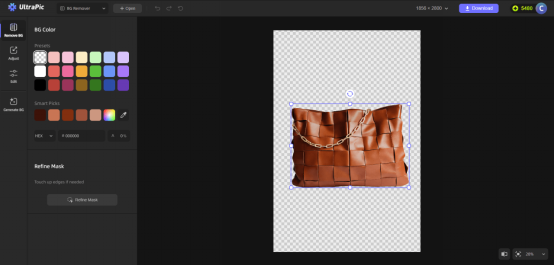
After confirming that the effect is correct, click the “Download” button to obtain a transparent PNG format logo.
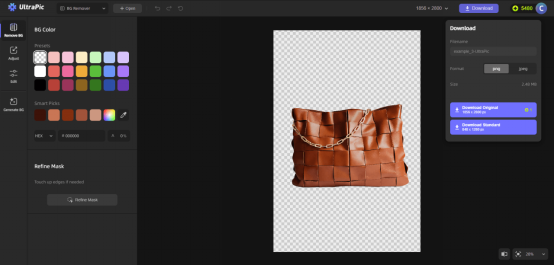
You can save it directly to your local device and use it directly for design, e-commerce, or other scenarios.
The entire process takes less than 10 seconds, with no complicated operations. Even a novice can succeed on the first try.
Why Choose UltraPic to Remove Background from Logo?
After seeing the comparison, you’ll understand. There are many background removal tools on the market, so why do I always recommend UltraPic?
✨If you use Photoshop for background removal, beginners find it very difficult to get started, and processing a complex logo takes 10-30 minutes, which is time-consuming and labor-intensive. It also easily results in rough edges and loss of details.
✨If you use other online background removal tools, either you need to pay to download the watermark-free version, or the processing speed is slow and the precision is insufficient, making the logo unusable after processing.
✨However, UltraPic is free, watermark-free, fast, and highly accurate. No download is needed, and you can complete it in three steps. Whether you are a beginner or a professional, it can meet your needs.
Whether you need to process a single logo or batch process multiple logos, UltraPic can efficiently complete the task, saving you a lot of time and effort.
Conclusion
Removing the background from a logo has never been a difficult task; the challenge lies in finding a user-friendly, efficient, and free tool.
Whether you are an e-commerce seller needing to remove backgrounds from store logos or product logos, or a designer needing to quickly process logo materials to improve work efficiency, UltraPic can meet your needs. No need to spend time learning complex design software, no need to spend money hiring professional designers. Just open your browser, and in 3 steps, you can easily have a clean, clear transparent background logo.